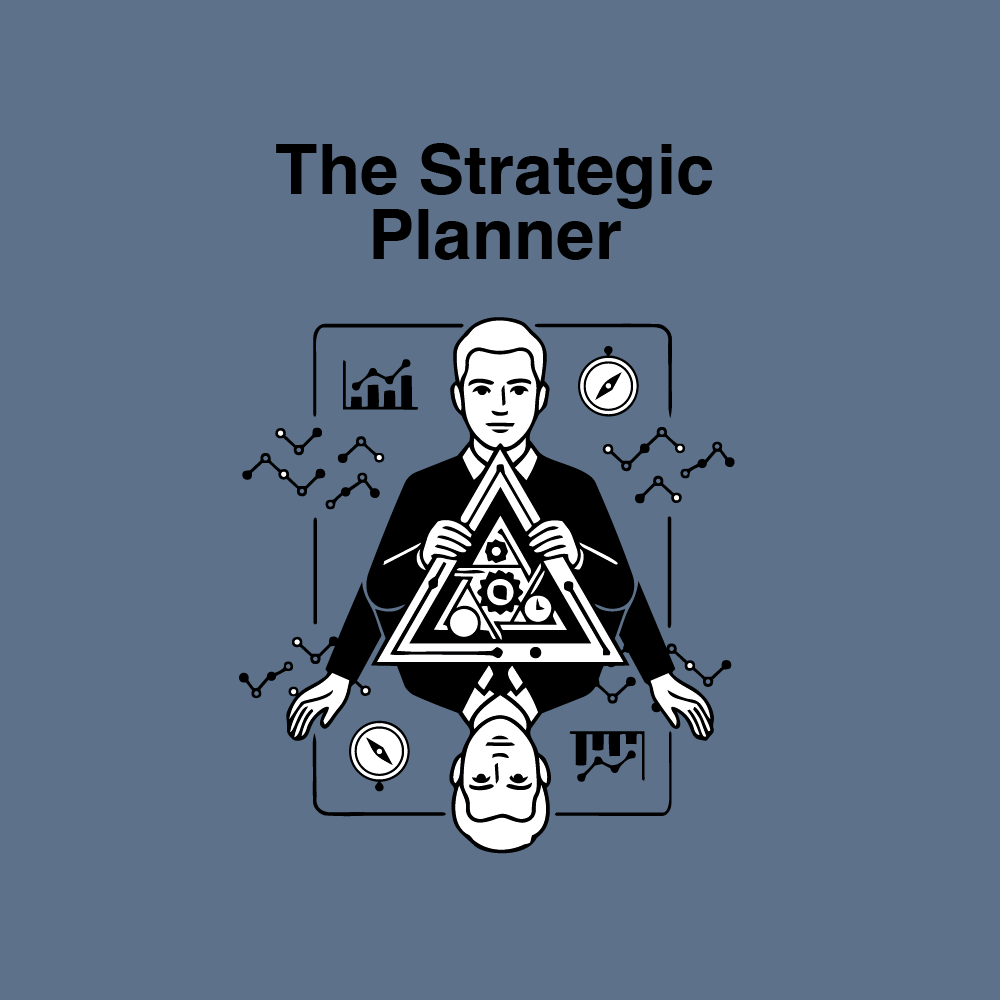
Earlier this year I built a way for a person to map a skill competency by competency and receive a report that identifies their leanings in how they apply that skill, as well as strengths and areas that would benefit most from development efforts.
A person answered questions about how they work, and a report arrived by email. But then what happens with many emails? They just sit in an inbox and their utility slowly fades over time.
That was the problem. A profile report tells you where you are. It doesn’t enable you to take the next step, and where you go next is the whole point.
So I rebuilt it.
Essential Skills Series Pathways on smartphone or laptop
The first change was a home for the profile results and what comes next. I built accounts and a page where a person signs in and finds their profile waiting instead of searching their email for a PDF.
Then came the Pathways. The profile identifies competencies with the most room to grow. The Pathways provide the modules included in the report via a more interactive and accessible user experience. Each module is short and has the same shape: a sequential flow to discover what the competency is, why it matters, where you stand, and one focused way to develop it. Then a tool from the matching Essential Skills Series guide, with its diagram and its steps, and an estimate of how long it takes.
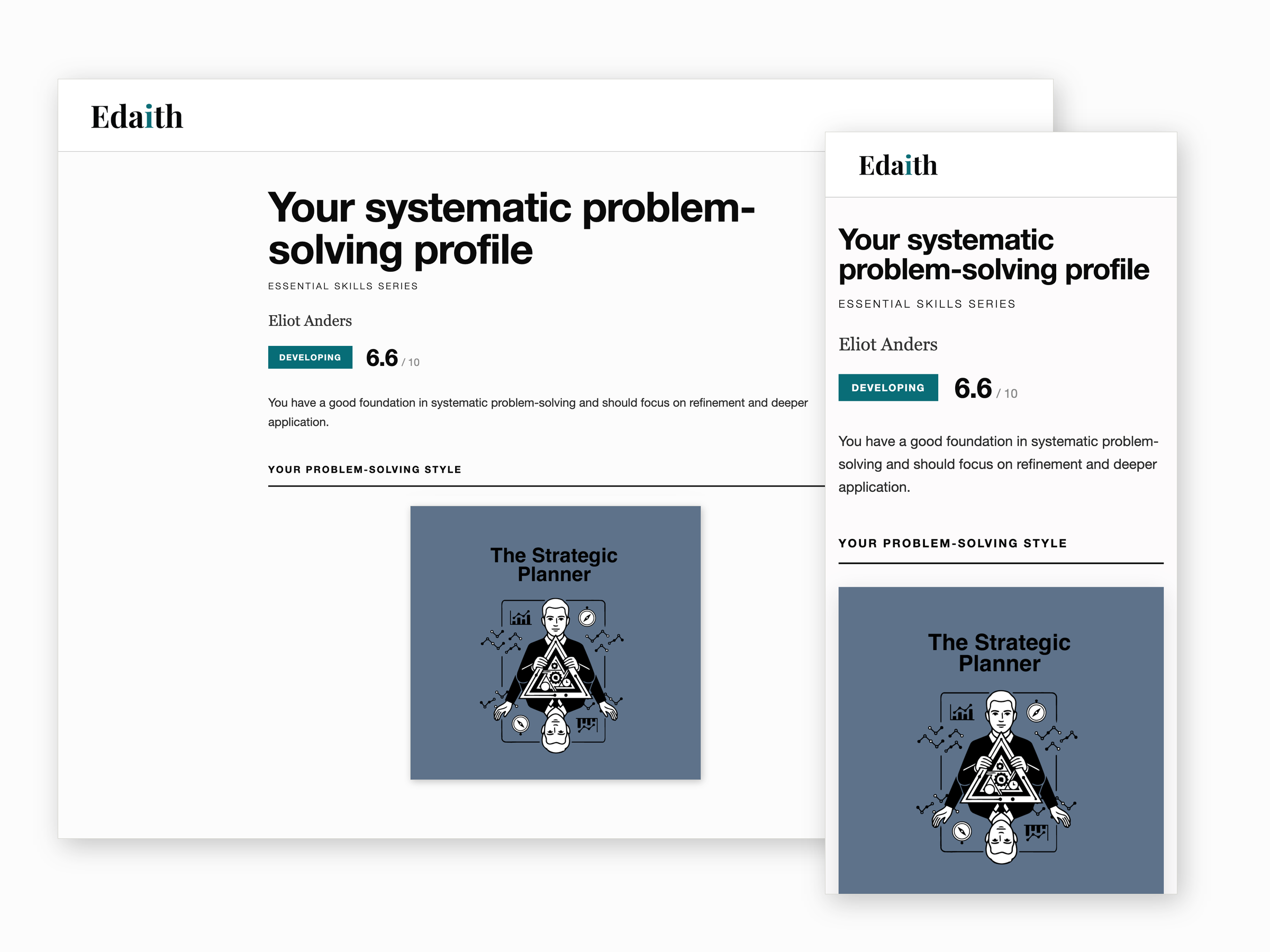
Every person receives a unique set of modules tailored to their individual proficiencies. The steps open via a web app, so a module can be read in five minutes on a phone (online or offline) or worked through properly at a desk. Pathways stay available for twelve months, the profile report and summary can be kept as PDFs, and a finished module can be reopened whenever the tool is needed again.
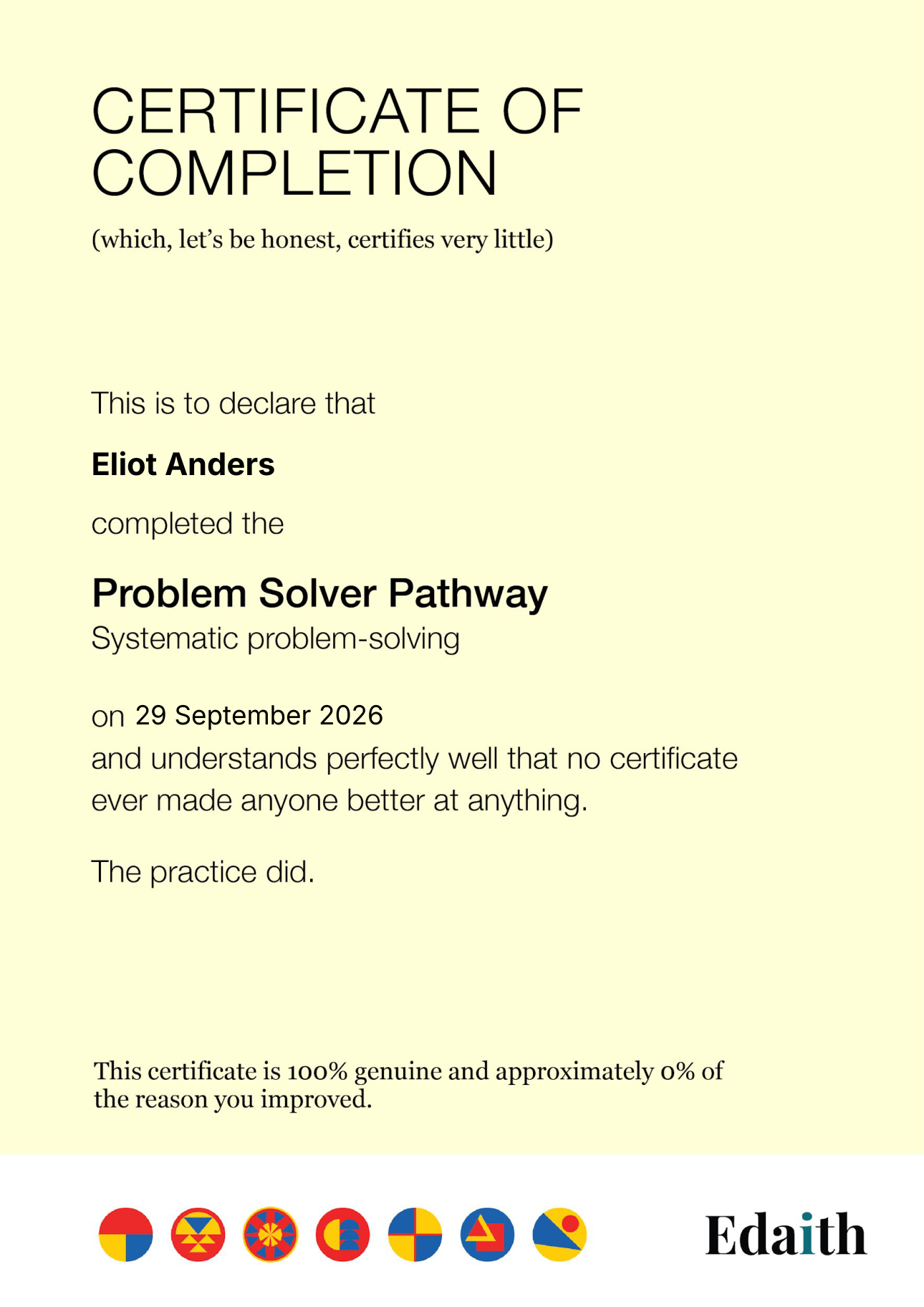
There’s also a certificate upon completion, although it’s probably best described as an anti-certificate. The best indication of whether we’ve learned something isn’t a completion certificate but undertaking something with the knowledge or skills attained.
Feedback from others
A self-mapping raises awareness and guides development, but it can’t capture the full complexity of how people work. Our understanding of our own capabilities is best complemented by feedback from people who have seen us work.
Pathways now include the option for a person to invite up to six people who have seen them work. Each answers a short set of questions, which takes about five minutes, and can choose “Not seen” instead of guessing. Nothing is shown until at least three people have responded. Written comments are never shown as written. They are distilled into themes, and the originals are deleted.
What comes back is a second set of marks beside the individual’s self-reported ones, sorted into four groups: confirmed strengths, hidden strengths, blind spots and agreed development areas. Hidden strengths turned out to be the group I find most interesting. Most of us expect feedback to deliver bad news. Quite often it delivers a strength we weren’t aware of.
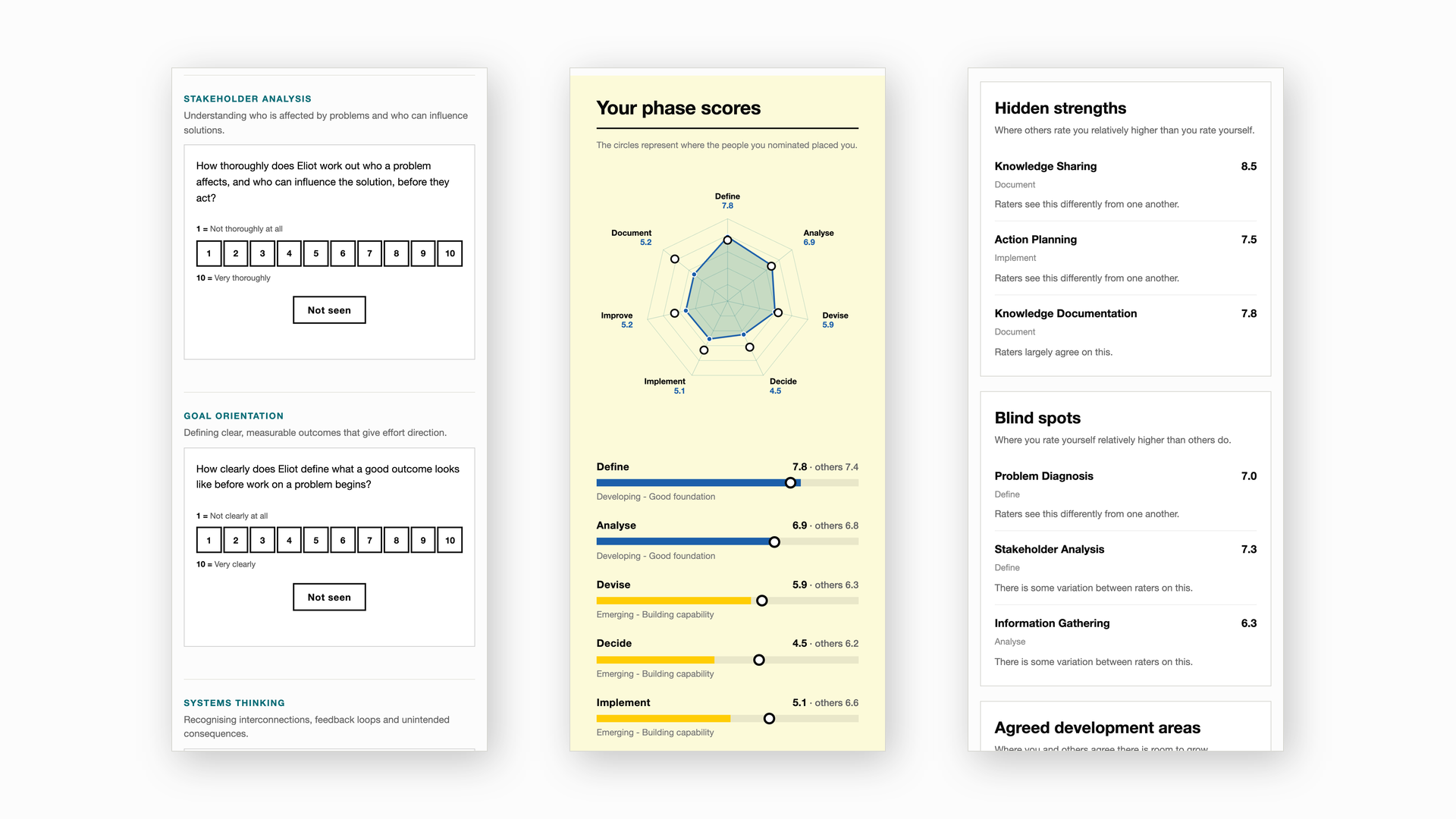
The feedback provides up to three additional modules to work through, based on where others see more room to grow or see you very differently from how you see yourself.
Getting the privacy right took longer than building the Pathway interface. For example, during testing, a person who declined an invitation could be identified by the person who sent it. Feedback is only honest when people trust the process, so I kept testing and iterating until it was both trustworthy and useful.
The smaller cases took more thought. What should happen when someone declines, or when a round ends with two responses and the rule says three? Now a decline keeps the round open and the person who asked is told, so they can invite someone else in that place.
Pathways for teams
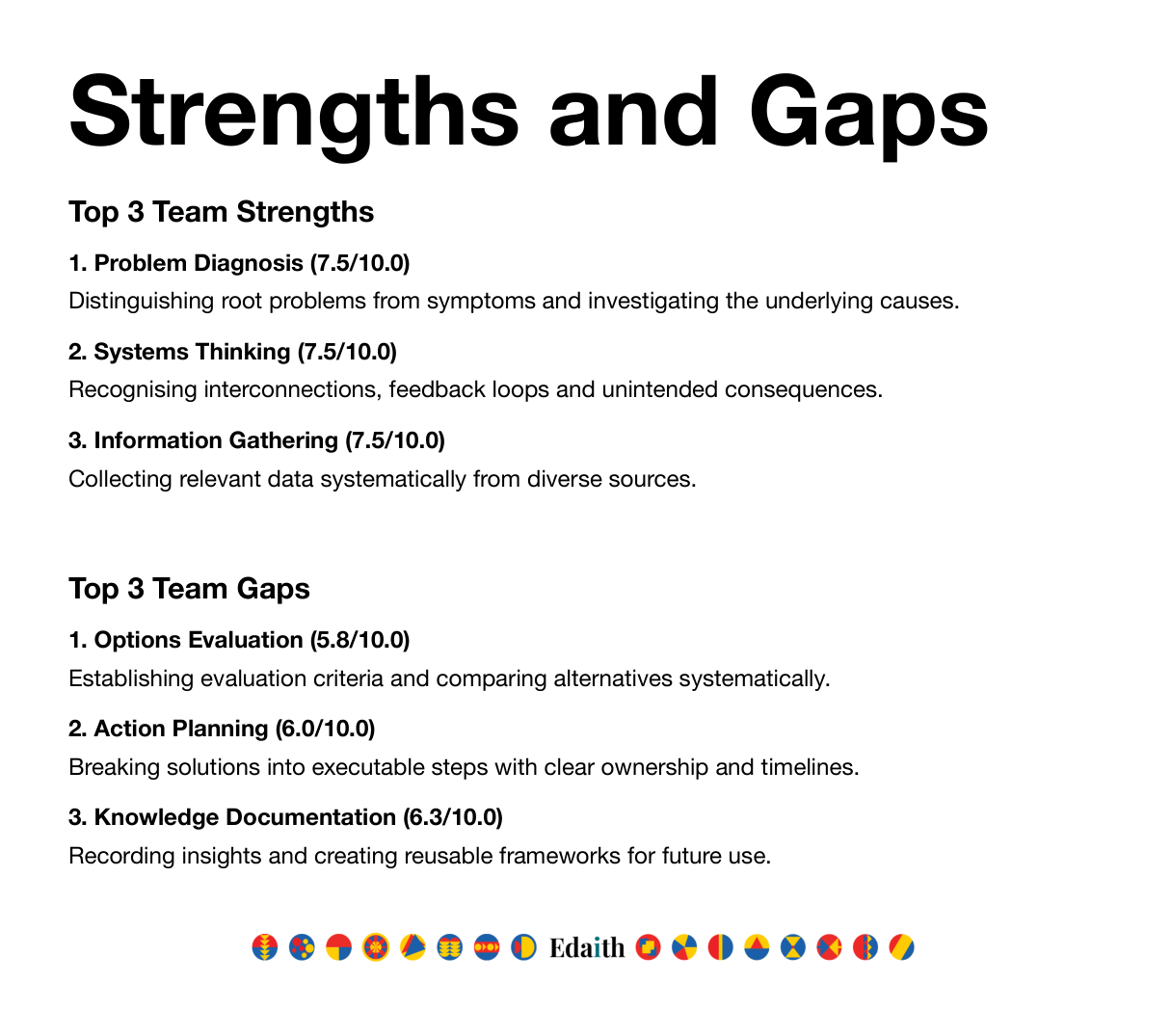
There’s now also a team version, the Team Capability Map. Everyone on a team maps the same skill, and the results are brought together in one report. It shows the competencies where the team is strongest, the ones with the widest gaps, the mix of styles in the room, and three competencies that would most benefit the team to work on together.
The report shows each person’s style , but doesn’t disclose individual scores. I took individual scores out early, on principle and for accuracy. If your results go to your manager, you stop describing how you work and start managing an impression. The map is also not produced for a team of fewer than four, because in a group that small an average is a person.
For people who design and deliver training, the map comes with workshop resources: visuals and activities ready to use with the group. A trainer keeps the delivery and gains a session aimed at what the people in the room most need. A month or two later the team can map again, and the next session works from what has shifted.
Iterating for usability and effective learning
None of this was planned as one design. Each part came from using the version before it the way a customer would, asking people to try it, and noticing what could be better or different so that the experience could be delightful and worthwhile. The report sat in an inbox, so it needed a home. The home needed something to do in it, so it gained modules. The modules rested on one person’s view, so I added the views of others. Then a team wanted to see itself, and that needed a rule about what a team should never see.
I build with AI models writing the code. My part is deciding what a person should experience, testing until that is what happens, and being willing to change something I had only just finished. Several things in the Pathway were built, released and then taken out or reversed, and it’s better for each of them.
A profile was a good place to start. The Pathway is something built for a person to conveniently engage with and come back to. Adding the team dimension makes it something that can support skills development at scale.

